Five apps. One connected suite.
Each app works standalone. Connect them through Alfred AI for intelligent automation across your entire Salesforce org.
Alfred AI
The brain of your Salesforce suite
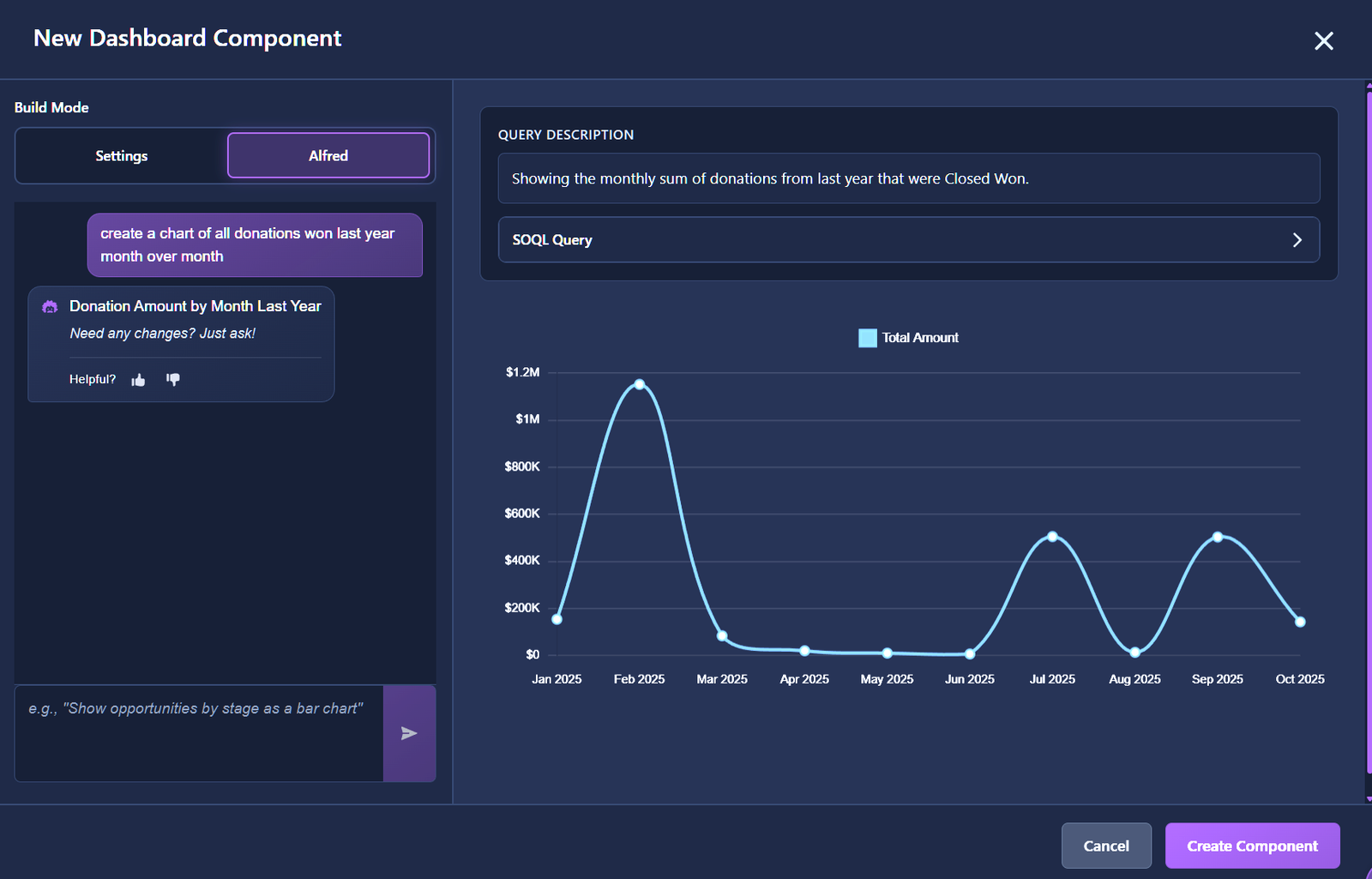
Alfred connects all your Ascend Labs apps and supercharges your Salesforce org with AI-powered intelligence. Get predictive insights, custom analytics, and automated workflows — all in one place.
- Insights — Predictive analysis & recommendations
- Analytics — Custom dashboards & components
- Actions — Cross-app workflow orchestration
- Automations — Smart tasks, emails & reminders
- Answers — Org-specific Q&A
Data Doctor
Duplicate management & org health
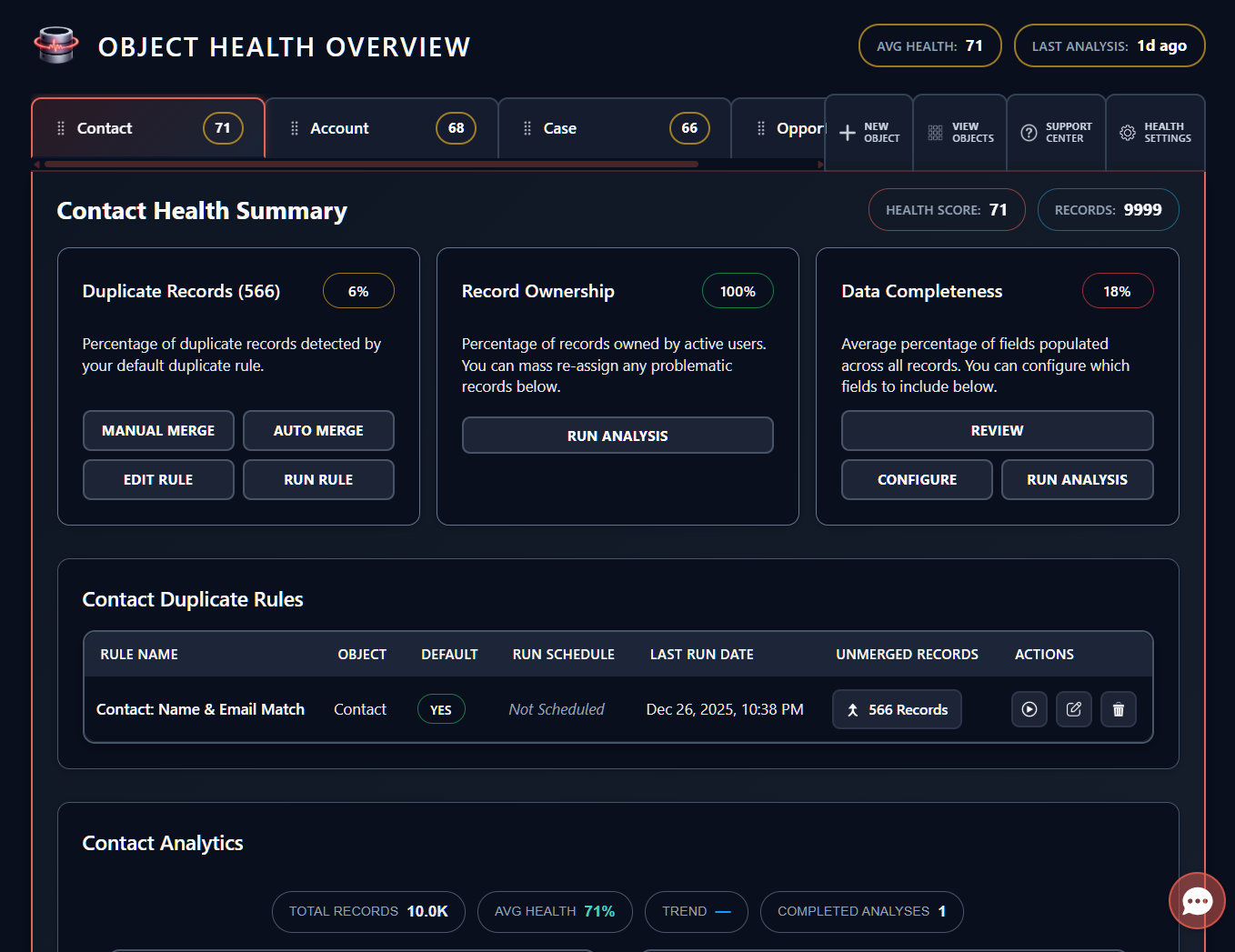
Keep your Salesforce data clean with intelligent deduplication and health monitoring. Works on any object, runs on your schedule.
- Any Object — Standard & custom object support
- Auto Merge — Intelligent deduplication rules
- Scheduling — Set it and forget it
- Health Scoring — Object-level data quality insights
Magic Merge
Document generation, simplified
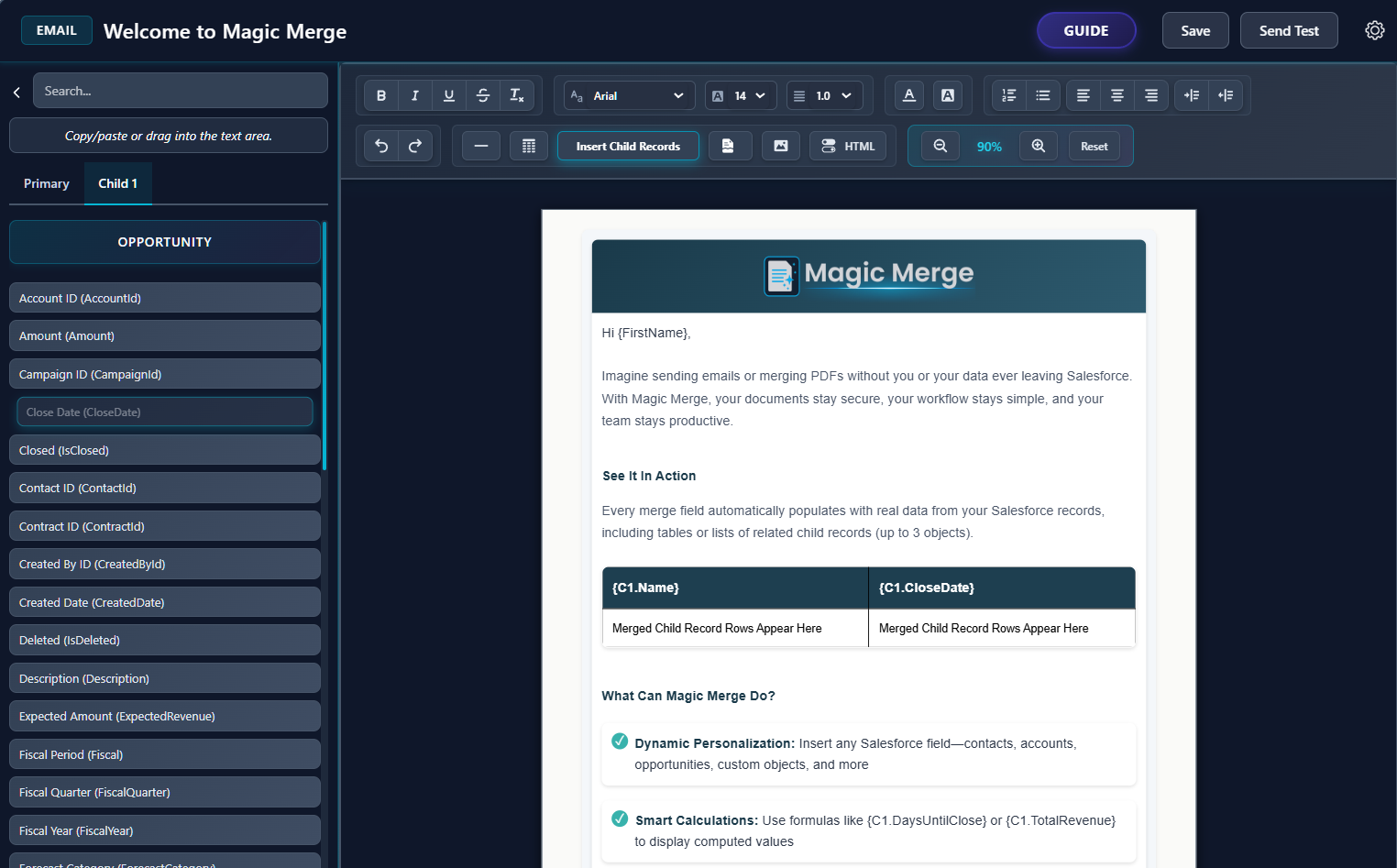
Generate professional PDFs and emails directly from Salesforce records. Build custom templates, merge at scale, and automate your document workflows.
- Template Builder — Drag-and-drop document design
- Mass Merge — Generate PDFs & emails at scale
- Automations — Post-merge workflow triggers
- Child Objects — Pull data up to 3 levels deep
Fluid Form
Guided data intake
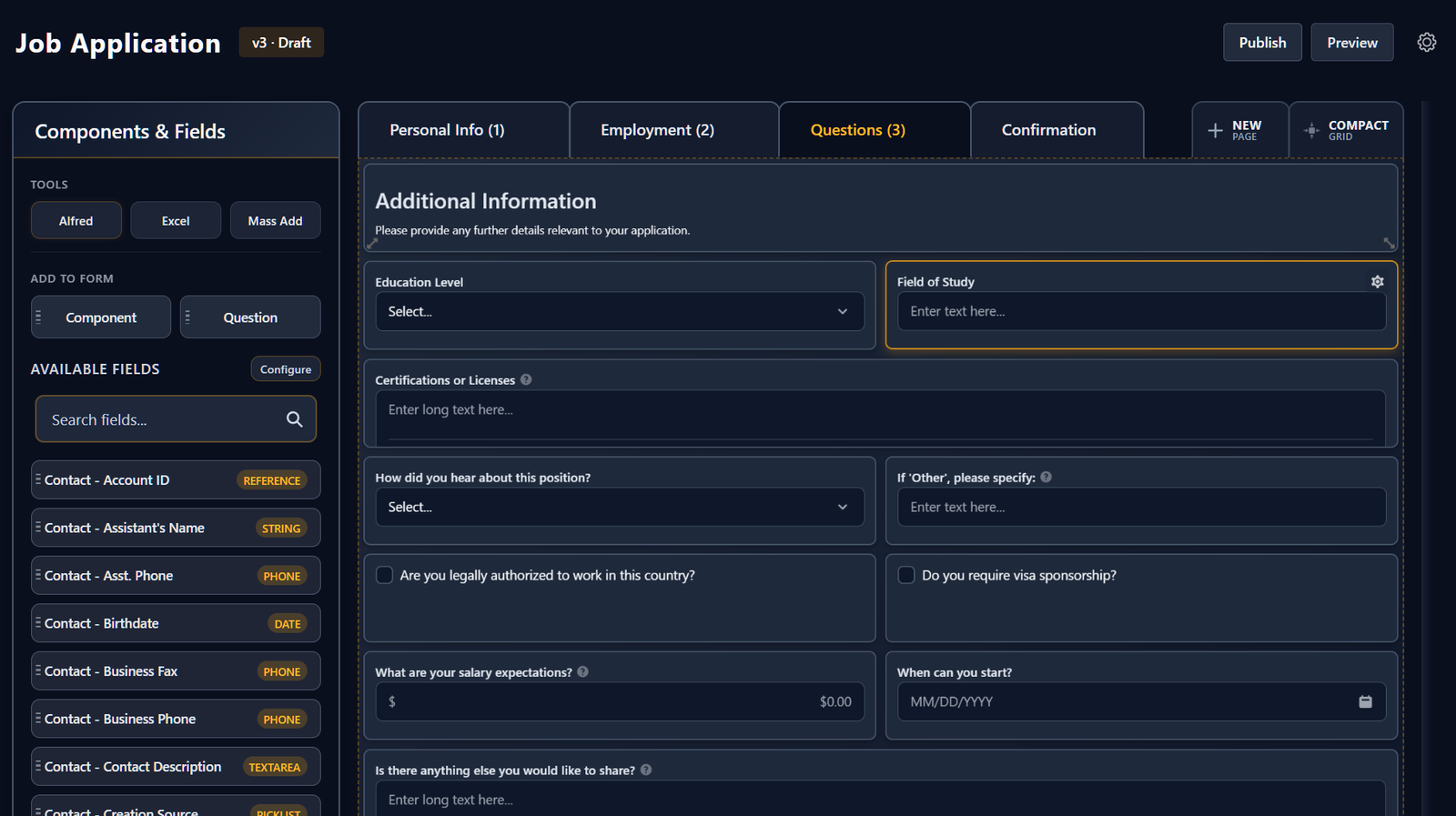
Build custom forms that guide users through data entry. Ensure clean, consistent records every time with validation and conditional logic.
- Form Builder — Visual form designer
- Excel Upload — Mass import form questions
- Conditional Logic — Dynamic field visibility
Segmatic
Smart data segmentation
Create powerful, reusable segments from your Salesforce data. Build targeted lists for campaigns, reports, and automations with an intuitive visual interface.
- Visual Builder — Point-and-click segment creation
- Dynamic Updates — Segments refresh automatically
- Cross-Object — Query across related records
- Export & Share — Use segments across your org